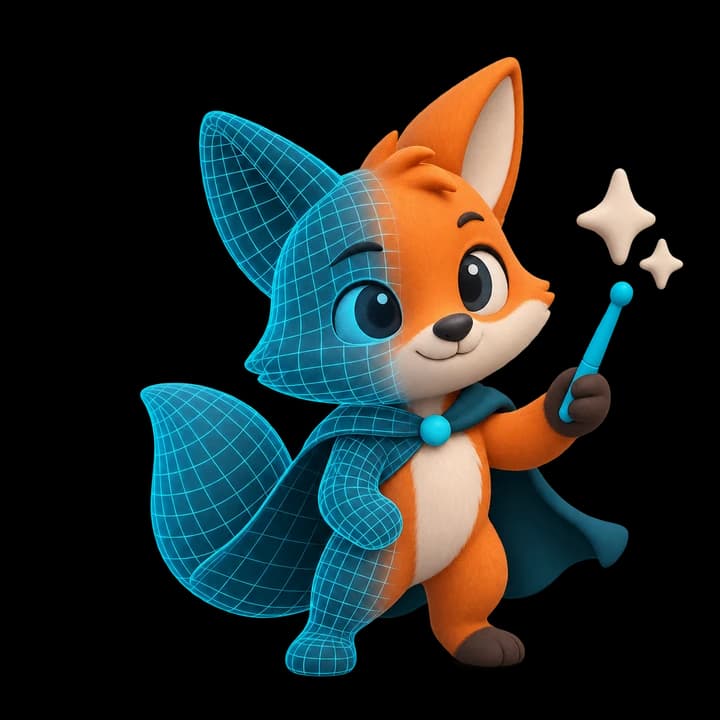
In the preview: The current website lets you prepare an input. The Generate 3D button does not yet submit a generation or create a downloadable model.
Start with an image
- 1Open the homepage and choose Image in the creation panel.
- 2Drop a photo or sketch onto the upload area, or click it to choose an image from your device. PNG, JPG and WEBP are the suggested formats.
- 3Check the image preview. Use Remove to choose a different reference.
A useful tip. Pick one clear subject with enough space around its silhouette.
Start with a prompt
Keep a copy of a prompt you want to reuse. The preview does not save your work to an account.
- 1Switch the creation panel to Text.
- 2Describe the object, its shape, materials and visual style.
- 3When the field is empty, you can press Tab to use the suggested idea as a starting point.
What happens to the image?
The current image preview stays in your browser. Selecting a file does not upload it to a generation service. More details are in the Privacy Policy.
Need a hand? Email [email protected]